Most SSH security failures do not start with a sophisticated exploit. They start with a password login someone never got around to disabling, a root account left reachable from the internet, or a key that has been sitting on three former contractors’ laptops for two years. SSH security best practices for 2026 are less about defending against novel attacks and more about closing the ordinary gaps that bots scan for around the clock.
This guide walks through the full stack: authentication, key management, daemon hardening, encrypted credential storage, common attacks, audit logging, and the newer question of whether an AI coding agent should get SSH access at all. Where a topic deserves its own depth, this guide links out to a dedicated piece rather than repeating it in miniature.
What is SSH security, and why does it matter in 2026?
SSH security is the sum of four things: which authentication method the server accepts, how the SSH daemon itself is configured, how private keys are generated and stored, and whether anyone is watching who connects and what they run. Weakness in any one of the four undermines the other three – a hardened sshd_config does nothing if password auth is still enabled, and a strong key does nothing if it is stored unencrypted on a laptop that gets stolen..
The attack surface has widened since the days when SSH access meant a developer with a laptop. Production servers now take connections from CI runners, from unattended AI coding agents, and from short-term contractors who need scoped access and nothing more. Every one of those is a credential that can leak, and none of them benefit from the old assumption that the person on the other end of the connection is watching every command.
If you only make one change today, disable password authentication. It is the single highest-leverage fix on this list, and it closes off the attack that automated scanners run against every server on the internet, all day, every day.
Why do password-based SSH logins remain the weakest link?
Port 22 is scanned constantly. Any server with a public IP and password authentication enabled will see credential-stuffing attempts within hours of coming online, using lists built from years of leaked databases. A strong password slows this down; it does not stop it, because the attacker is not guessing – they are replaying credentials that worked somewhere else.
Disabling password authentication safely
The order matters here. Add your public key and confirm you can log in with it in a second, separate terminal session before touching the server’s password settings – if you disable passwords first and the key does not work, you lock yourself out with no way back in short of console access from your hosting provider.
# 1. Copy your public key to the server
ssh-copy-id user@server

# 2. In a NEW terminal, confirm key-based login works
ssh user@server

# 3. Only after step 2 succeeds, edit /etc/ssh/sshd_config
PasswordAuthentication no
PermitRootLogin no

# 4. Restart the daemon
sudo systemctl restart sshd
How do SSH keys actually secure a connection?
SSH key authentication is a challenge-response exchange: the server sends a challenge encrypted with your public key, and only the matching private key can produce the correct response. The private key itself never crosses the network, which is why key-based auth cannot be captured or replayed the way a password can.
Choosing a key algorithm: ed25519 vs RSA vs ECDSA
ed25519 is the right default for 2026: smaller keys, faster verification, and no known practical weaknesses. RSA at 4096 bits is still acceptable and remains the fallback for older systems that do not support ed25519. ECDSA is best avoided unless a specific system requires it – its security depends heavily on the quality of the random number generator used to create the key, which has been a real source of past vulnerabilities.
ssh-keygen -t ed25519 -C "your_email@example.com"Where and how to store private keys
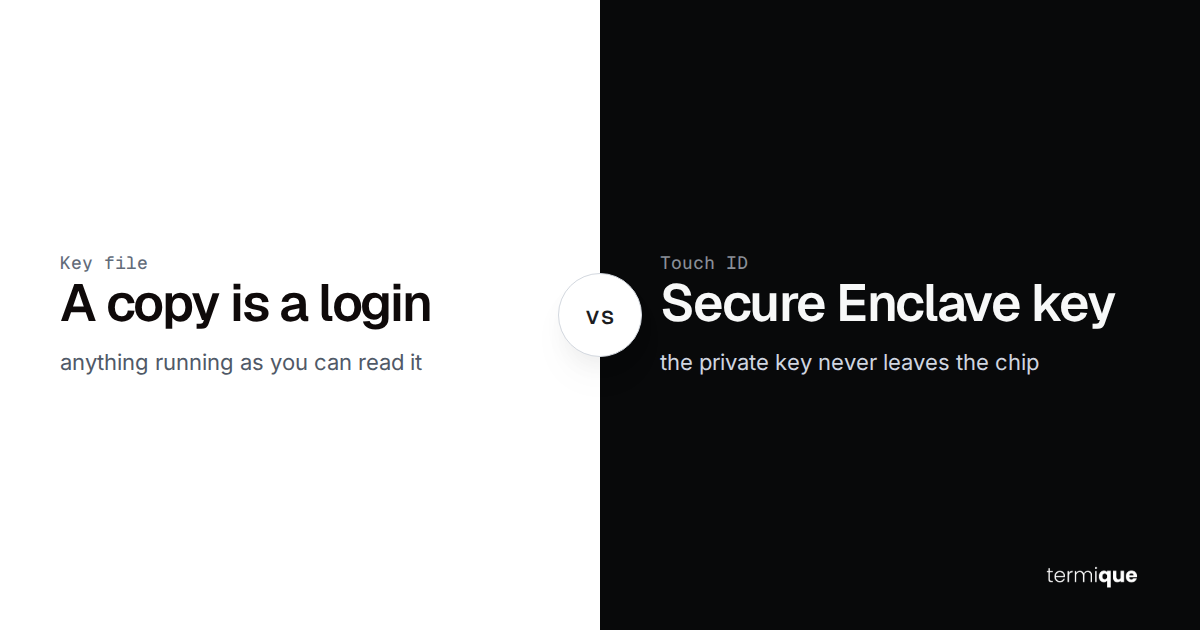
Always set a passphrase on a private key – an unencrypted key on disk is one stolen laptop away from a full compromise. Use ssh-agent so you are not retyping the passphrase on every connection, and never commit a private key to a repository, even a private one; git history is forever, and a leaked key needs to be revoked, not just deleted from the latest commit.
How should you manage and rotate SSH keys across a team?
Individual key hygiene breaks down once more than one person needs access to the same fleet of servers. At that point you need a shared, auditable way to see who holds a key to what, and a process for rotating and revoking that does not depend on remembering every server a key was ever copied to – this is exactly what managing SSH credentials across multiple devices covers in depth.
Rotation cadence and triggers
- Rotate on a fixed schedule, at minimum annually, more often for anything touching production payment or customer data
- Rotate immediately when someone leaves the team or a contractor’s engagement ends
- Rotate immediately if a laptop is lost, stolen, or suspected compromised
- Rotate after any incident where SSH access could plausibly have been part of the exposure
Revoking a compromised key without locking yourself out
Add the replacement key to every affected server and confirm it works before removing the old one from authorized_keys. Never remove first and generate second – that ordering is how teams end up needing out-of-band console access to their own infrastructure.
Using a bastion host to cut per-server key sprawl
Once a fleet passes a handful of servers, distributing keys directly to every host stops scaling. A bastion host – a single hardened entry point that every other connection routes through – means rotating or revoking access happens in one place instead of on every server individually.
Host bastion
  HostName bastion.example.com
  User ops

Host app-server
  HostName 10.0.1.15
  User deploy
  ProxyJump bastion
What does SSH security hardening look like in production?
Beyond disabling passwords, a handful of sshd_config settings meaningfully shrink the attack surface without adding friction for legitimate use.
PasswordAuthentication no
PermitRootLogin no
PubkeyAuthentication yes
X11Forwarding no
MaxAuthTries 3
ClientAliveInterval 300
ClientAliveCountMax 2
Fail2ban adds a second layer on top of key-only auth: it watches auth logs and temporarily bans IPs after repeated failed attempts, which cuts down noise from scanners even though they can no longer succeed against a properly configured server.
[sshd]
enabled = true
port = ssh
filter = sshd
maxretry = 4
bantime = 3600
findtime = 600
None of this is absolute protection. IP bans and non-standard ports are defense-in-depth, not a substitute for key-only authentication – treat them as friction against automated scanning, not as a security boundary on their own.
How does end-to-end encryption change the credential storage equation?
Everything above secures the connection itself. It says nothing about where the credentials used to make that connection are stored, or who can read them. A password manager or SSH client that encrypts your credentials server-side still means the vendor holds a key that can decrypt them, whether or not they normally do. How end-to-end encrypted SSH credential storage actually works covers the alternative: deriving the decryption key from your own master password on your device, so the vendor stores ciphertext it cannot read, even under a legal order or an internal breach.
What are the most common SSH attacks, and how do you stop them?
Brute force and credential stuffing
Automated tools try common username and password combinations, or replay credentials from unrelated leaked databases, against any server with password authentication exposed. Key-only auth plus fail2ban closes this off almost entirely – there is no password to guess or replay.
Man-in-the-middle attacks and host key verification
The first time you connect to a new server, SSH asks you to confirm its host key fingerprint – that prompt exists specifically to catch a man-in-the-middle attack where a different server is impersonating the one you meant to reach. Blindly typing yes defeats the entire purpose. For servers you provision yourself, pin the host key ahead of time instead of trusting it on first connect.
ssh-keyscan server.example.com >> ~/.ssh/known_hostsHow do you monitor and audit SSH access after the fact?
Hardening reduces how often something goes wrong; logging is what tells you when it does anyway. At minimum, know how to answer who connected, from where, and when.
journalctl -u sshd --since "24 hours ago"
last -a
lastb -a   # failed login attempts
Ship these logs somewhere other than the server they were generated on. If a server is ever compromised at the root level, local logs can be altered or deleted by the same access that compromised it – an off-host copy is the only version you can actually trust afterward.
Is it safe to give an AI coding agent SSH access?
AI coding agents that can open an SSH session and run commands are now common enough to need their own section. Running AI coding agents on remote servers over SSH and what actually works and what doesn’t in an SSH manager with a built-in AI assistant both go deeper on this – the short version is that the same key-management and hardening rules above apply, plus two additional ones specific to agents.
Scoping agent permissions
- Give the agent its own key and its own restricted user account, never your personal credentials
- Limit that account to only the directories and commands the task actually requires
- Treat any command the agent proposes that touches production data or infrastructure as requiring explicit human confirmation before it runs
Treating command output as data, not instructions
A prompt-injection risk is specific to agents: if a command’s output contains text that looks like an instruction, a naive agent can be manipulated into treating it as one. Output from a remote session should always be handled as data to read, never as a source of new instructions to follow – that distinction is what keeps a compromised or malicious file on a server from being able to redirect what the agent does next.
Which SSH client should you actually use in 2026?
Everything in this guide applies regardless of which client you connect with, but the client still matters for how easy it is to actually follow through on key management, credential storage, and audit logging day to day. The best SSH clients for developers in 2026, compared breaks down the real tradeoffs by platform mix and credential-security requirements rather than a generic feature list.
termique applies most of this guide by default: ed25519 key generation, end-to-end encrypted credential storage the vendor cannot read, per-session command audit logs, and a confirm-before-execute gate for anything an AI assistant proposes. Try it free across macOS, Windows, Linux, and mobile.