Managing SSH credentials across multiple machines starts simple and gets complicated fast. One server, one password, one machine. Fine. Add a second machine and you’re already copying a key. Add five servers with different auth methods and two laptops plus a work desktop, and you have a sprawl problem.
The approaches, in order of how most people discover them
1. ~/.ssh/config + key pairs
This is the right starting point. SSH config lets you assign aliases to hosts, specify users, ports, and identity files. It works well for a handful of servers on a single machine.
Host prod-web
  HostName 203.0.113.12
  User deploy
  IdentityFile ~/.ssh/prod_rsa
  Port 2222

Host staging
  HostName 203.0.113.45
  User ubuntu
  IdentityFile ~/.ssh/staging_ed25519
The problem: this file lives on one machine. When you set up a second machine, you copy the file and the private keys. Keys now exist in two places. You rotate a key on one machine, forget the other. Six months later you have two out-of-sync configs and keys on three machines that you can’t fully account for.
2. General-purpose password managers (1Password, Bitwarden)
Password managers solve the sync problem: credentials live in one vault, accessible from any device. They work fine for SSH passwords. For private keys, 1Password added an SSH agent in 2022 that signs auth challenges without exposing the private key bytes. That’s genuinely good security engineering.
Where they fall short: password managers are not SSH managers. There’s no concept of hosts, groups, or sessions. You still maintain a separate system (mental model, spreadsheet, or notes app) for mapping which credential goes with which server, port, and username. The credential storage and the SSH workflow remain two separate tools.
3. SSH clients with built-in credential storage (Termius, SecureCRT, Royal TSX)
The dedicated SSH client category solves both problems: credential storage is built into the same tool that manages your host list and opens terminal sessions. No external vault, no mental mapping.
The caveats vary by tool. Termius encrypts credentials server-side, meaning Termius holds a key that can decrypt your data. SecureCRT is Windows/macOS only and priced for enterprise. Royal TSX is Mac-only and primarily a remote desktop tool that also does SSH.
What good credential management actually requires
- Encryption that happens on your device, not on the server, so the vendor cannot decrypt your credentials even if compelled
- Cross-platform support: if you have one Mac and one Linux machine, you need the same tool on both
- Sync without plaintext in transit: credentials should be encrypted before they leave the app
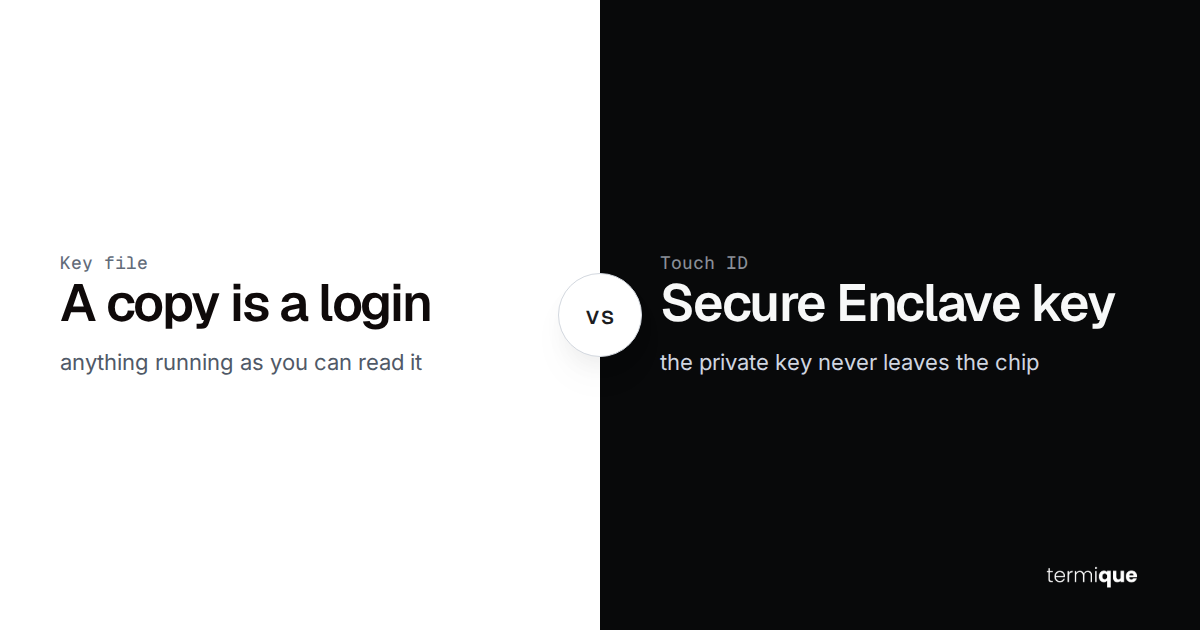
- Private key storage in the OS keychain (macOS Keychain, Windows Credential Manager, or libsecret on Linux), not a proprietary database
- One place to see all hosts, their auth method, port, and tags, so you don’t need a separate spreadsheet
How end-to-end encryption changes the threat model
Server-side encryption means the server has your decryption key. A breach of the server, a rogue employee, or a legal compulsion order can expose your credentials. End-to-end encryption means the server stores ciphertext only – your key is derived locally from your master password and never transmitted.
Termique derives your encryption key from your master password using PBKDF2 on-device. Credentials are encrypted with AES-256-GCM before they touch the network. The server receives only ciphertext; it has no key and cannot decrypt your credentials.
The practical recommendation
For one or two servers on one machine: ~/.ssh/config and key pairs are sufficient. Keep private keys in the OS keychain rather than unprotected on disk.
For more than a handful of servers, multiple machines, or team environments: use a dedicated SSH manager with end-to-end encrypted credential storage. The credential-per-host model, cross-device sync, and integrated terminal pay for themselves in reduced friction after the first week.
Avoid any tool that encrypts your credentials server-side – it defeats the purpose of encrypted storage if the vendor holds the key.
Related articles