Your VPS goes down at 2am. The provider’s status page shows nothing wrong, but SSH times out, the site is unreachable, and you’re standing in a parking lot with your phone, trying to remember which account holds the billing details, which key unlocks the server, and where the last good backup actually lives. A disaster recovery runbook for a single VPS exists so that moment doesn’t turn into three lost hours of guessing. It’s one written document you can hand to your own tired brain at 2am, or to anyone else who has to move fast without you.
What should a disaster recovery runbook for a single VPS actually contain?
A disaster recovery runbook for a single VPS is not a wiki page or a mental checklist. It’s a single, current document, specific to this one server, that answers four questions without you having to think: how do I get back in, what was actually running here, where does the last good backup live, and in what order do I bring things back. If answering any of those requires remembering something instead of reading something, it isn’t a runbook yet. It’s a hope.
- Access: every account and credential you need to reach the server and its DNS, none of it stored in plaintext.
- Inventory: every service, database, and scheduled job actually running on the box, not what you assume is running.
- Backups: where they live, how recent the newest one is, and the exact command that restores from them.
- Sequence: the order of operations, from confirming it’s really down to verifying the restore worked.
The rest of this guide builds each of those four pieces, then assembles them into a template you can fill in for your own VPS today.
Why “I’ll remember” is not a recovery plan
If you’re a solo sysadmin, you are both the operator and the plan. That works fine on an ordinary day. A runbook is for the day it doesn’t: you’re on a plane, you’re sick, your phone died at the worst possible time, or it’s 3am and the site has been down for forty minutes and every extra minute costs you customers or your own sleep. Recall gets worse under stress, not better. Reading a checklist during an actual incident is measurably faster and more reliable than reconstructing the steps from memory, even for the person who wrote them originally.
There’s a second failure mode this covers, and it’s the one solo operators like to skip past: what if you’re the one who’s genuinely unavailable. A contractor, a co-founder, or a family member with access to your accounts can’t act on a plan that only exists in your head. Without something written down, the business is one dead phone away from an outage with no end date, not just a bad night.
This isn’t a theoretical risk you can wave off because you’ve never had a real outage yet. Most solo sysadmins go years without a serious failure, then hit one all at once: a provider migrates hardware and the reboot doesn’t come back clean, a disk fills silently over a weekend, a botched apt upgrade takes down the service it was meant to patch. None of those give you warning, and none of them wait for a convenient hour. The runbook isn’t there for the outage you can picture. It’s there for the one you can’t.
Access: what to write down before you lose it
The access section of the runbook has to answer one question: if you had a brand-new laptop and nothing else, could you get back into every system that keeps this VPS alive? That breaks down into four specific things.
VPS provider account recovery
Write down which provider hosts the box, the account’s recovery email, and where the two-factor backup codes are stored, separately from the phone that generates the 2FA codes in the first place. Also note the provider’s actual support channel: email-only support can take a full day to respond, which changes how much you should rely on “just contact support” as step one of a fast recovery.
Domain registrar and DNS access
Losing a VPS is usually recoverable within an hour. Losing access to the domain registrar or DNS provider is not, since regaining control of a domain can mean a multi-day identity verification process with the registrar. Write down which registrar holds the domain, who manages DNS (the registrar itself, or a separate provider like Cloudflare), and the login recovery method for each.
SSH keys and root credentials, not as plaintext
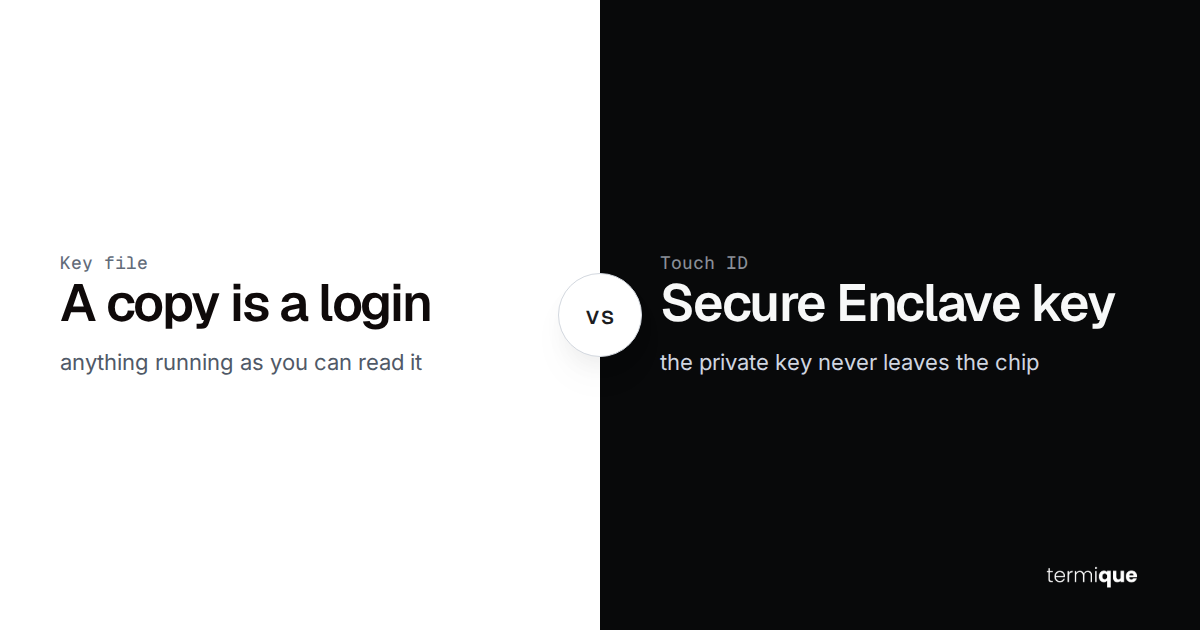
This is the part people get wrong most often: they put the actual private key or the actual root password into the runbook document itself, which turns one leaked file into full server access. The runbook should record where the credential lives, not the credential. termique’s end-to-end encrypted credential vault is built for exactly this: the master password never leaves the device, and the key derived from it encrypts everything before it touches the network, so the runbook entry can simply say “SSH key: termique vault, host entry X” instead of pasting a key that anyone reading the document could copy. If you regularly work from more than one machine, laptop and travel machine both need the same credential without either one holding a plaintext copy, which is the exact problem managing SSH credentials across devices covers.
For root or sudo passwords, the same rule applies: reference where the credential is stored, not what it currently is. For lower-stakes accounts, it’s often faster and safer to document how to reset the password during an incident than to keep a static copy of it current.
Data: what’s actually running on this VPS, and where its backups live
Most single-VPS operators can’t fully answer “what’s actually installed on this box” from memory after a year of ad hoc changes. A cron job added for a one-off migration, a service that was supposed to be temporary, a database that quietly outgrew its original purpose. The inventory section exists to make that answer explicit instead of assumed.
Build the inventory once, then keep it current
Before you can plan recovery, you need to know what’s actually running today, not what you remember installing eighteen months ago. termique’s guide on monitoring a Linux server’s CPU, RAM, and disk without third-party tools covers the native commands for seeing what’s actually consuming resources right now, which is a good starting point for an honest inventory, alongside the commands below.
systemctl list-units --type=service --state=running
crontab -l
docker ps -a
ss -tlnp
Where backups live, and how to prove they’re good
The backup section of a runbook is only useful if it names a real, tested location and a real, tested command, not the phrase “restore from backup.” If you haven’t set up a backup strategy yet, start with the 3-2-1 backup rule for solo sysadmins and small teams, and if you want the backups themselves running unattended, automating server backups with cron and offsite storage covers the scheduling side. Once backups exist, the runbook needs three specifics for each one: the offsite destination, the retention window, and the exact restore invocation.
# restore Postgres from the latest offsite dump
aws s3 cp s3://backups-bucket/db/latest.dump.gz .
gunzip latest.dump.gz
pg_restore -d appdb --clean --if-exists latest.dump

# restore application files
rsync -avz backup-host:/srv/backups/app/ /srv/app/
How do you set RTO and RPO for a one-person setup?
Two numbers turn a vague “get it back up fast” into something you can actually plan against: RTO and RPO. RTO, recovery time objective, is how long the service can reasonably stay down before the cost of the outage outweighs the effort of building a faster recovery path. RPO, recovery point objective, is how much data you can afford to lose, measured in time: if backups run every six hours, your RPO is up to six hours of data loss in the worst case.
For a one-person setup, be honest about the constraints. An RTO of “under fifteen minutes” is not realistic if there’s exactly one person, that person has to wake up, get to a laptop, and get through 2FA before touching anything. Realistic solo numbers look different from a team’s SLA.
- RTO = your honest response time plus however long your restore commands actually take when you’ve tested them, not guessed at them.
- RPO = your backup frequency, directly. Nightly backups mean an RPO of up to 24 hours; hourly database archiving cuts that to minutes.
- If the RPO you calculate isn’t good enough for what the server does, the fix is backup frequency, not runbook wording.
Write both numbers into the runbook itself. An incident then has a target to measure against, instead of an open-ended “however long it takes.”
A worked example makes this concrete. A side project with nightly backups and a solo maintainer might reasonably set an RPO of 24 hours and an RTO of 4 hours: acceptable data loss is a day at most, and recovery happens once you’re awake and at a laptop, not instantly. A paid product with paying customers can’t accept the same numbers without the business absorbing real damage, which means the fix isn’t a more heroic runbook, it’s more frequent backups and, eventually, a second person who can also execute the recovery sequence.
Writing the disaster recovery runbook: a VPS template you can fill in today
With access, inventory, backups, and RTO/RPO defined, the last piece is ordering everything into one sequence: detect, contact, restore, verify.
The recovery sequence
- Detect: how you, or a monitoring alert, confirm this is a real outage and not a blip. Failed checks from two separate networks, or an uptime monitor firing twice, is a reasonable bar.
- Contact: who or what gets notified first. A status page update, a teammate, a family member with account access, or a client if an SLA applies.
- Restore: the literal ordered commands. Reprovision or reboot the server, restore data from backup, restore configuration, restart services in the order they depend on each other.
- Verify: specific, checkable proof it’s really back. Homepage returns 200, a real database query succeeds, the last cron job ran on schedule, logs show no new errors.
A fill-in template
Copy this structure and fill in your own specifics. Keep every field concrete: a location, a command, a name, never “see notes” or “ask around.”
# Disaster Recovery Runbook - <service name>
Last updated: <date>          Last tested: <date>

## Access
- VPS provider: <name>, account recovery: <method>
- Domain registrar: <name>, DNS managed at: <where>
- SSH key location: <vault reference, not the key itself>
- Root/sudo reset procedure: <reference>

## Inventory
- Services: <list>
- Databases: <list + version>
- Scheduled jobs: <cron/systemd timers>

## Backups
- Location: <offsite destination>
- Frequency / retention: <schedule>
- Restore command(s): <exact commands>

## Targets
- RTO: <hours>
- RPO: <hours>

## Recovery sequence
1. Detect: <how you confirm it's real>
2. Contact: <who/what to notify>
3. Restore: <ordered steps>
4. Verify: <specific checks>
One rule matters more than the template’s exact wording: never store this file on the VPS it describes. If the server is gone, so is the plan. It shouldn’t sit as an unencrypted note in your inbox either. A password manager’s secure notes, an encrypted vault, or a printed copy in a physical safe all satisfy the actual requirement, which is simple: reachable without the VPS, unreadable to anyone who steals your laptop.
Testing the runbook before you need it
Schedule the test the same way you schedule the backup itself: a fixed date, not “whenever I get to it.” Once a year for most solo projects, once a quarter for anything client-facing, spin up a fresh VPS and actually run the restore commands from the runbook against it, not from memory of what usually works.
An unverified backup is a belief, not a backup. A failed dry run is the best outcome a test can produce, because it means you found the broken step on a Tuesday afternoon instead of during a real outage.
A failed test is information, not embarrassment: a backup job that silently stopped running two months ago, a restore command that still points at a bucket you renamed, a dependency version mismatch that breaks the restore script halfway through. Fix what broke, update the runbook, and run the test again. The goal isn’t a perfect first attempt, it’s a runbook that’s still accurate the day you actually need it.
Keep access recoverable, not memorized
A disaster recovery runbook for a single VPS comes down to four things written where you can actually find them under stress: access that doesn’t depend on your memory, an honest inventory of what’s running, backups with a tested restore command, and a sequence that goes detect, contact, restore, verify. None of it is complicated. All of it has to exist before the day it’s needed, not during it.
The access section is usually where solo operators cut corners, because storing SSH keys and root credentials properly takes more setup than a text file. termique keeps SSH keys in the OS keychain rather than a database, and encrypts credentials on-device with AES-256-GCM before they ever leave the machine, so the runbook line for “where’s the key” points to something that was never plaintext in the first place. The free tier covers this for a single VPS: 3 hosts, unlimited terminal sessions, and SSH key management, no credit card required.