Every team’s ssh key management for teams problem starts the same way: one engineer generates a key pair, adds the public half to a shared authorized_keys file on the servers everyone touches, and hands the private key to the next person who needs access, over Slack, a shared drive, or a group chat with half the company in it.
It works right up until someone leaves the team, a laptop gets stolen, or you need to prove who ran a specific command on a production box last Tuesday. A shared key has no name attached to it. You can’t revoke access for one person without regenerating and redistributing the key to everyone else who still needs it, and there’s no record of who used it, or when. That’s the gap real ssh key management for teams closes: per-person keys, a clear revocation path, and an audit trail that survives someone’s exit interview.
What does ssh key management for teams actually involve?
Strip away the vendor marketing and it comes down to three things: how keys get generated, where they live and who can use them, and what happens to a key over its lifetime, from first use to the day it gets revoked. Get those three right and the rest, whether that’s a spreadsheet of who has access to what or a full policy engine, is detail.
Key generation and algorithm choice
Default to ed25519 for every new key pair on a modern OpenSSH client (7.6 or newer covers effectively every machine your team runs today):
ssh-keygen -t ed25519 -C "name@team"Ed25519 keys are shorter, generate and verify faster, and don’t depend on the quality of your system’s random number generator the way RSA key generation historically has. Reach for RSA-4096 only when a specific legacy device or older appliance in your infrastructure doesn’t support ed25519 yet, not as a default. Either way, set a passphrase on the private key at generation time. A stolen key file protected by a real passphrase is far less useful to whoever stole it than a bare, unencrypted private key sitting in a laptop’s home directory.
Where keys should live: device keychain vs shared vault
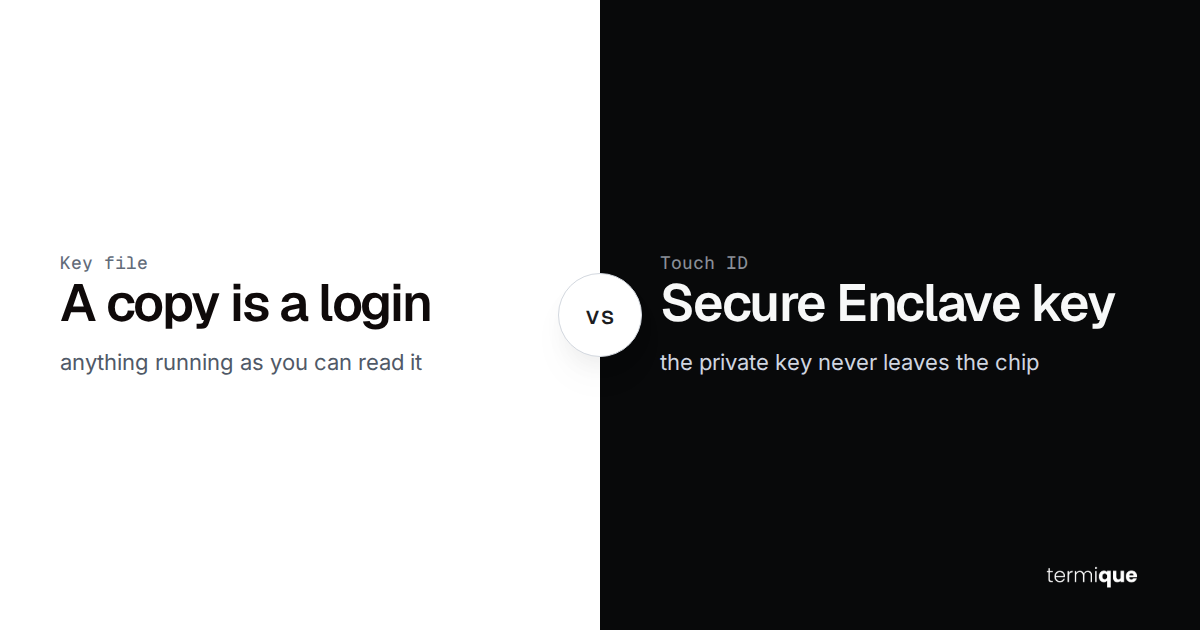
A private key should never leave the device it was generated on in plaintext, and it should never be emailed, Slacked, or dropped in a shared drive folder, no matter how convenient that feels in the moment. On a single machine, that means storing it in the OS keychain, macOS Keychain, Windows Credential Manager, or libsecret on Linux, rather than as a loose file in ~/.ssh. For a team, it means each person’s keys are encrypted on their own device before anything touches a network, so a compromised server or a compromised sync backend never exposes a usable private key. See end-to-end encrypted SSH credential storage: how it actually works for the mechanics of doing this without ever trusting a server with plaintext.
Why shared ssh keys break down as a team grows
A shared key works fine for a team of one. The moment a second person needs access, it starts accumulating debt that compounds with every hire.
One key, many people, zero accountability
If five people share a private key to reach a production database, and something goes wrong at 2am, the server’s logs show one identity: the shared key’s fingerprint. You can’t tell which of the five actually ran the command. Per-command audit logging, the kind that answers “who ran this and when”, is structurally impossible on top of a shared key, no matter how good the logging tool is downstream, since the log has nothing more specific to attribute the command to than the key itself.
The revocation problem
Offboarding someone who had their own key pair is a one-line fix: remove their public key from authorized_keys or the vault, done, everyone else’s access is untouched. Offboarding someone who had a copy of a shared key means rotating that key everywhere it’s deployed and redistributing the new private key to every other person who still needs it, on every device they use. Most teams skip this the first time it’s inconvenient, and a shared key that should have been rotated six months ago is exactly the kind of finding that shows up in a security audit.
How to structure per-person ssh key access for a team
The fix isn’t a heavier process, it’s a simpler rule: every person and every automated system gets its own key pair, scoped to what it actually needs.
One key pair per person, per purpose
Don’t reuse a personal GitHub key to log into production, and don’t let a CI/CD pipeline share a key with the engineer who set it up. Each distinct purpose, personal git access, production SSH, a specific CI job, gets its own key pair, so revoking one doesn’t touch the others and a leaked key’s blast radius is exactly one purpose, not everything that person or system can reach. A person managing keys across a laptop, a desktop, and a phone runs into the same isolation question from a different angle. How to manage SSH credentials across multiple devices covers how to keep that consistent without falling back to copying one private key to every machine you own.
Enforcing least privilege per host and environment
Group hosts by environment, staging, production, a specific client’s infrastructure, and grant each person’s key access only to the group they actually need. A frontend engineer debugging a staging issue doesn’t need a key that also opens the production database host. This is mostly a policy discipline problem: the technical mechanism, an authorized_keys entry or a vault-managed grant, is the easy part. The hard part is reviewing those grants on a schedule instead of letting them accumulate forever as people move between teams and projects.
SSH key rotation: how often, and what actually breaks
A reasonable default is 90 to 180 days for standard user keys, and 30 to 90 days for anything high-privilege, a CI service account with production access, or a shared admin path into critical infrastructure. What actually breaks during rotation is rarely the key generation step, it’s the coordination: a script or a CI job with the old public key hardcoded somewhere, a teammate’s device that didn’t get the new key before the old one was pulled, or a host that got missed in the rollout. This guide is the policy layer; the mechanics of rotating a key without locking anyone out mid-rollout, and how to do it without downtime on a host you can’t afford to lose access to, are their own topic and get a full treatment in a companion guide on SSH key rotation best practices and a separate walkthrough on rotating keys without downtime.
Revoking access cleanly when someone leaves or a key is compromised
Two different triggers, two different urgency levels, same basic sequence:
- Remove the person’s public key from every host’s
authorized_keysfile or from the central vault entry that grants their access, immediately, not at the next scheduled review. - If the key was compromised rather than just retired, treat every host that key could reach as potentially touched: check audit logs for activity you can’t account for, not just the login event.
- Rotate any shared secrets or downstream credentials that the departing person’s session could plausibly have read, snippets, environment variables, config files they had SFTP access to.
- Confirm the revocation actually took effect by testing that the old key is refused, don’t assume the removal command succeeded.
None of this is possible cleanly on a shared key, which is the practical reason per-person keys pay for themselves the first time someone leaves.
Do you need ssh certificates or a full PAM platform?
Not every team needs the same answer here, and the honest answer depends on team size and how much infrastructure you’re already running.
When Teleport, Vault, or JumpServer earn their complexity
A short-lived SSH certificate authority tied to your SSO provider makes sense once you have enough people and enough hosts that manual key distribution has become the bottleneck: certificates expire automatically, so there’s no separate revocation step, and access ties directly to whether someone still has an active SSO account. The tradeoff is real operational surface: standing up and maintaining a certificate authority or a self-hosted PAM platform is its own ongoing responsibility, on top of the infrastructure you’re already managing.
When a lightweight per-user vault plus an audit log is enough
For a team of a few people up to a few dozen, most of what a full PAM platform buys you, per-person isolation, a clean revocation path, a record of who ran what, is achievable with per-person keys stored in an encrypted vault and a per-command audit log, without deploying and operating a separate certificate authority. The question isn’t whether certificates are better in the abstract, it’s whether your team is actually large enough that manual key hygiene has become the bottleneck, versus whether the real gap is just that keys are currently shared and nothing is logged.
A practical ssh key management checklist for teams
- Every person has their own key pair, no exceptions for “just this once”.
- Every key pair is scoped to one purpose: personal access, a specific CI job, one shared service account, never reused across roles.
- Ed25519 by default, RSA-4096 only where a specific legacy system requires it.
- Private keys are passphrase-protected and stored in an OS keychain or an encrypted vault, never as bare files in a synced folder.
- Host access is grouped by environment, and grants are reviewed on a schedule, not left to accumulate.
- A rotation cadence is written down, 90 to 180 days for standard keys, 30 to 90 days for high-privilege ones, and someone actually owns making it happen.
- Offboarding a person is a single, immediate action: revoke their key, don’t wait for the next scheduled cleanup.
- Every command run through a shared or sensitive host is logged against the person who ran it, not just the key that was used.
How termique handles ssh key management for teams
termique’s SSH key vault generates and stores each person’s keys locally, private keys sit in the OS keychain and are never sent to a server, even encrypted, and fingerprints and algorithms are visible at a glance so you can spot an old RSA key that’s overdue for rotation. Host sharing lets a teammate reach a specific host without ever handing them the underlying credential, and it can be revoked from the same screen it was granted. Every command run against a shared host lands in a per-command audit log, so “who ran this” has a real answer instead of a shared key’s fingerprint. All of this, key vault, host sharing, and audit logs, is part of termique’s $5/month Pro plan, not a separate enterprise tier bolted on top.
termique is a free ssh manager with per-person key storage, encrypted end to end on-device. Pro adds host sharing and per-command audit logs for $5/month. The complete guide to SSH security covers the broader security model this all sits inside.